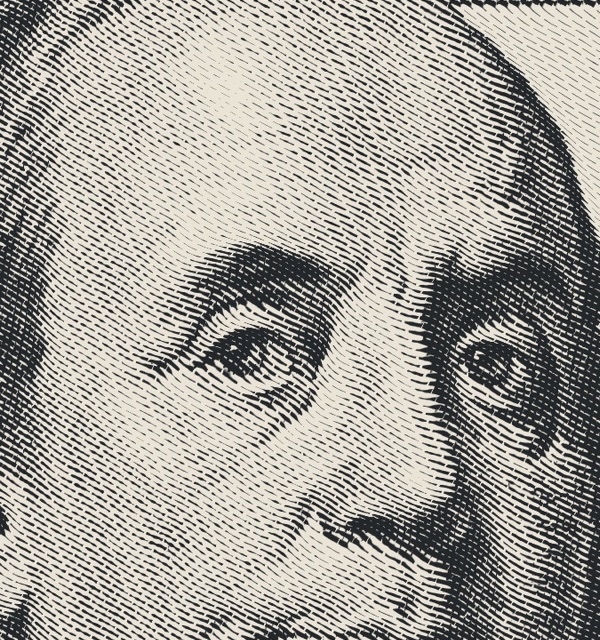
Engraved lines
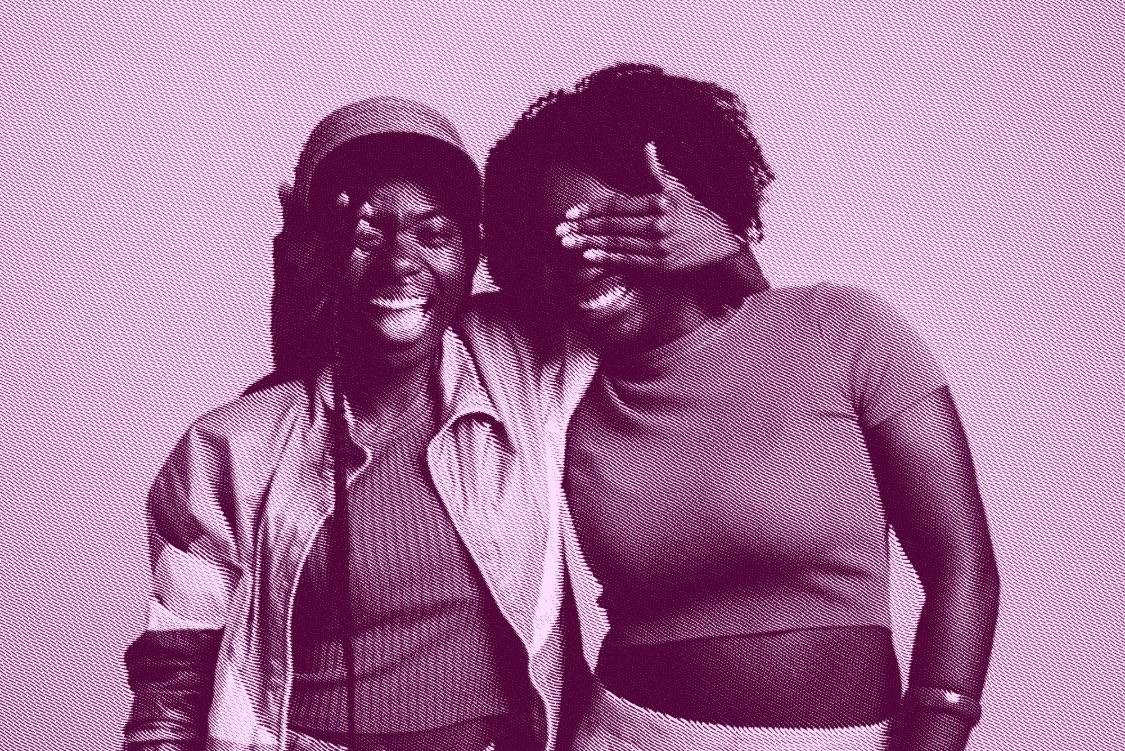
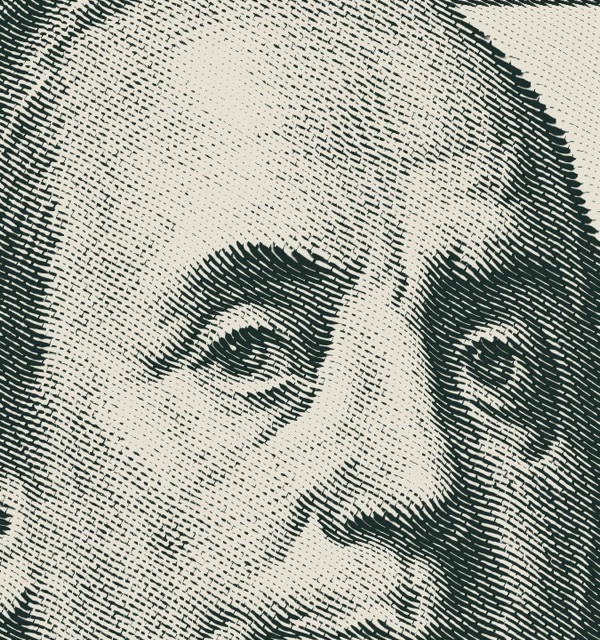
The classic intaglio look. Lines thicken in shadows, bend around the form and crosshatch in the darks.
Prince Halftone Studio redraws your image in lines, dots or pixels, in any two colours, with a live preview. One click renders it at full resolution in Photoshop, or as real vector shapes in Illustrator. Your original stays untouched.
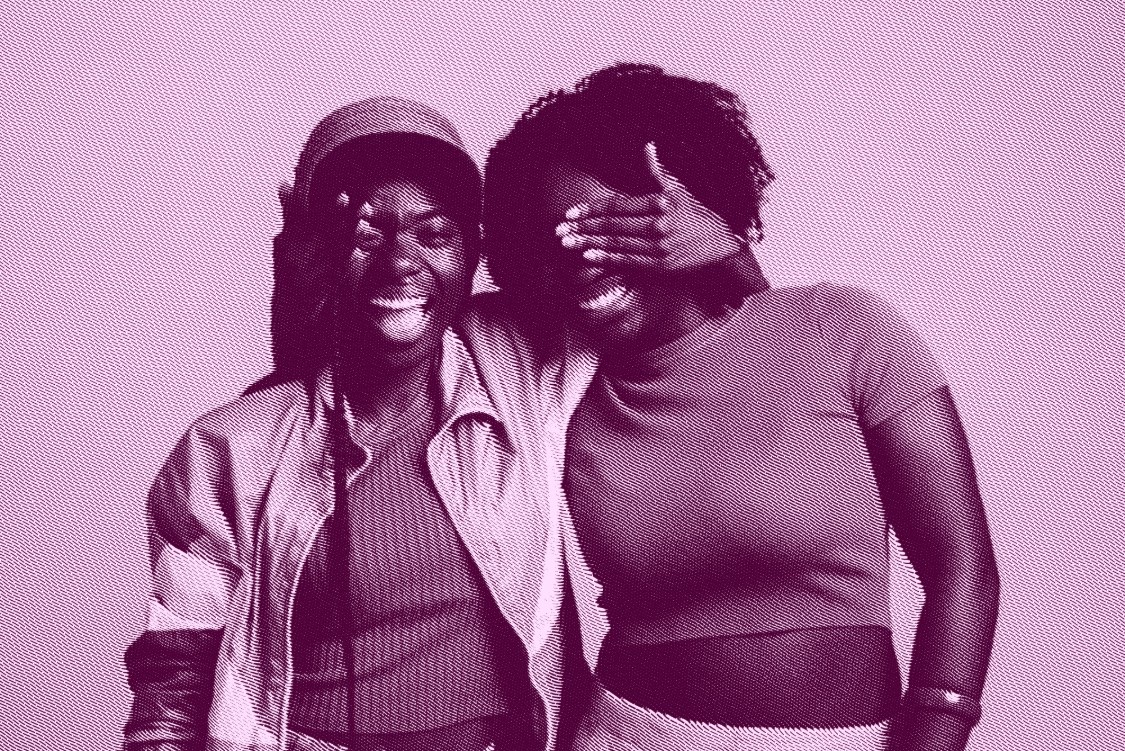
 BeforeAfter
Pick a style, fine-tune it with the live preview, choose your colours and apply. This is the real panel and the real effect engine.
Switch styles with one tap, start from a preset, then fine-tune until it's exactly your look.
The classic intaglio look. Lines thicken in shadows, bend around the form and crosshatch in the darks.
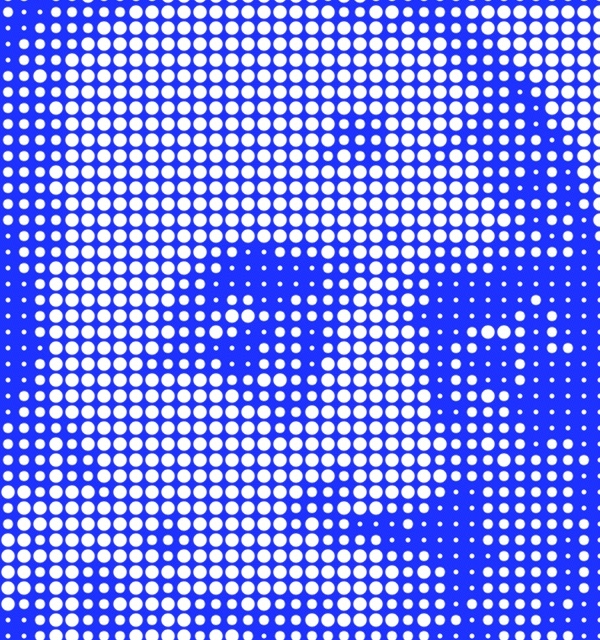
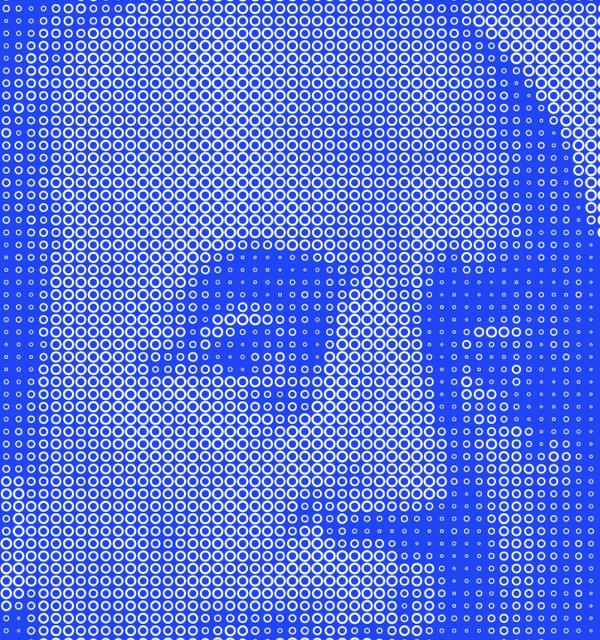
Dots, rings or squares, from smooth newsprint to bold dotted-map and LED-board looks.
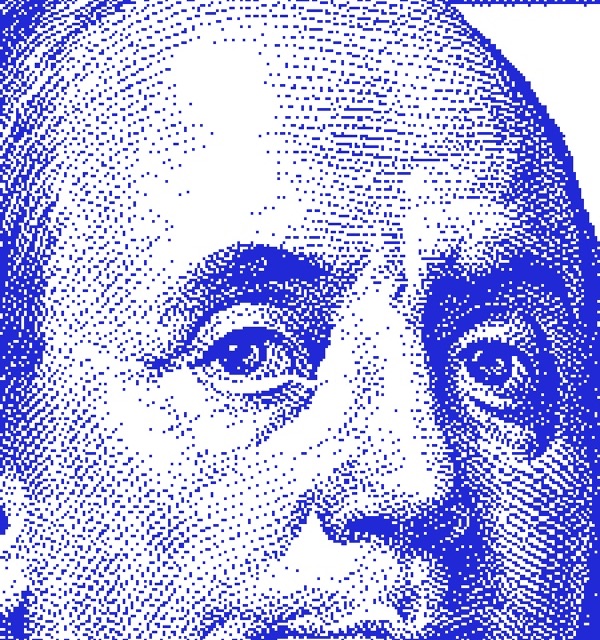
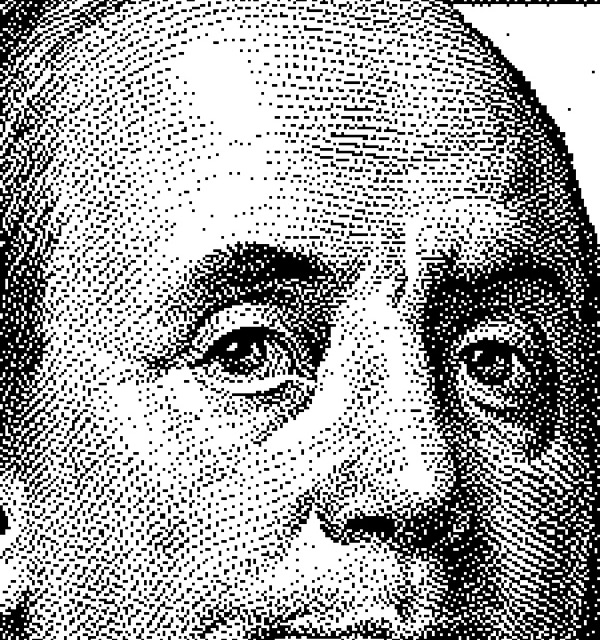
Chunky retro pixels in Atkinson, Floyd–Steinberg or Bayer patterns.
In Illustrator, Apply turns your image into editable vector shapes, placed exactly over your original. Zoom in as far as you like and every line stays crisp.
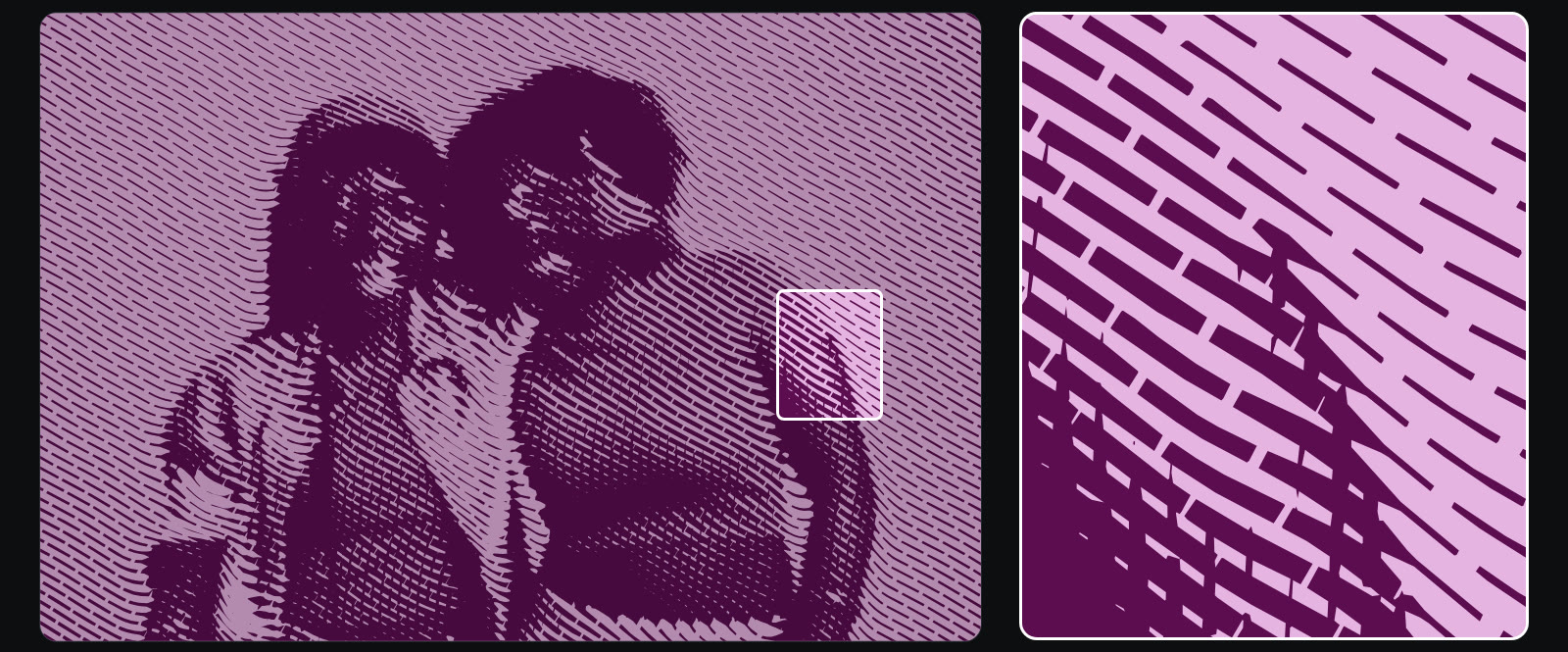
Posters, billboards and large-format without pixelation.
Clean paths for vinyl cutters, screen printing and laser engraving.
The marks are one group. Change the fill, add gradients, edit shapes.
Linked and embedded photos apply in about a second.
See every change as you make it, before you commit.
Results go on a new layer (Photoshop) or a new group (Illustrator) above your original.
Use the app's own Color Picker, sample from your artwork, or type a hex code.
Save settings as presets for a consistent style on every project. Export them to back up or share.
Every slider also takes typed numbers, so you can repeat a result exactly.
Draw only the marks and drop them over any colour, gradient or photo.
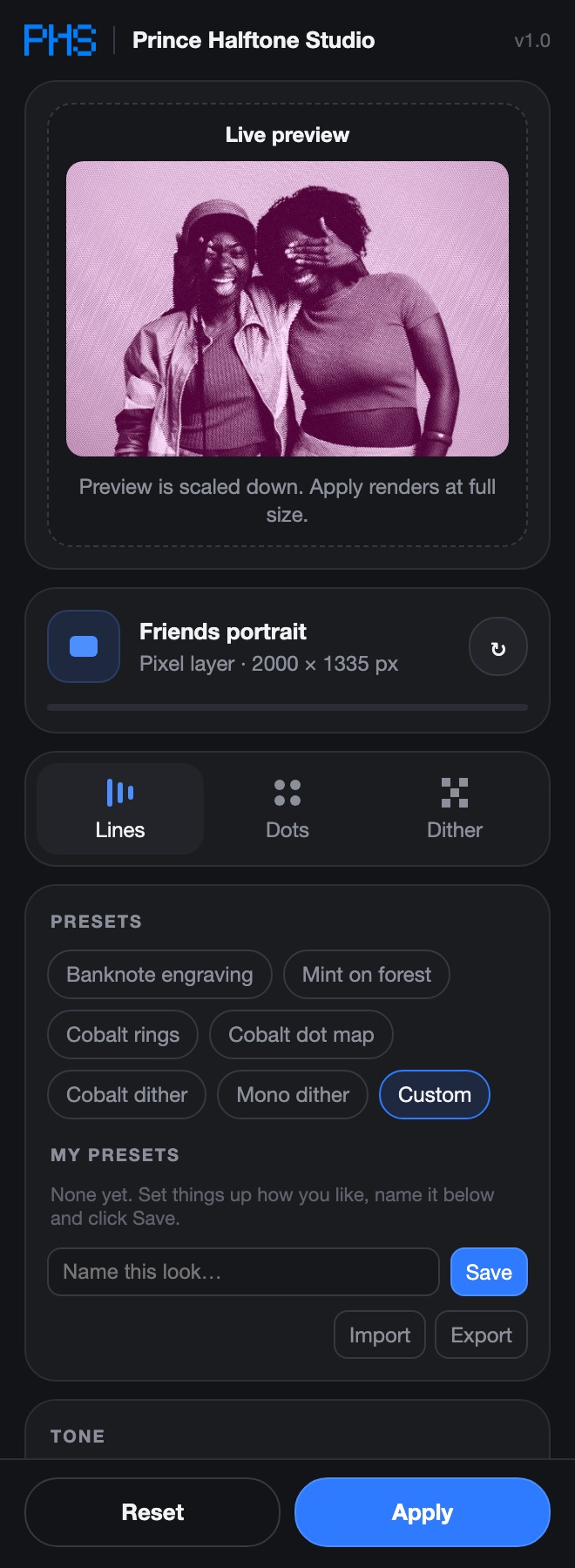
It lives in a panel right inside Photoshop and Illustrator, so there's nothing to export or import.
Pick a layer in Photoshop (or draw a selection), or select an image or artwork in Illustrator.
Pick Lines, Dots or Dither, start from a preset, and tweak spacing, angle, tone and colours while the preview updates.
Full-size pixels on a new layer in Photoshop, or editable vector shapes in Illustrator. Ready for social, posters or print.
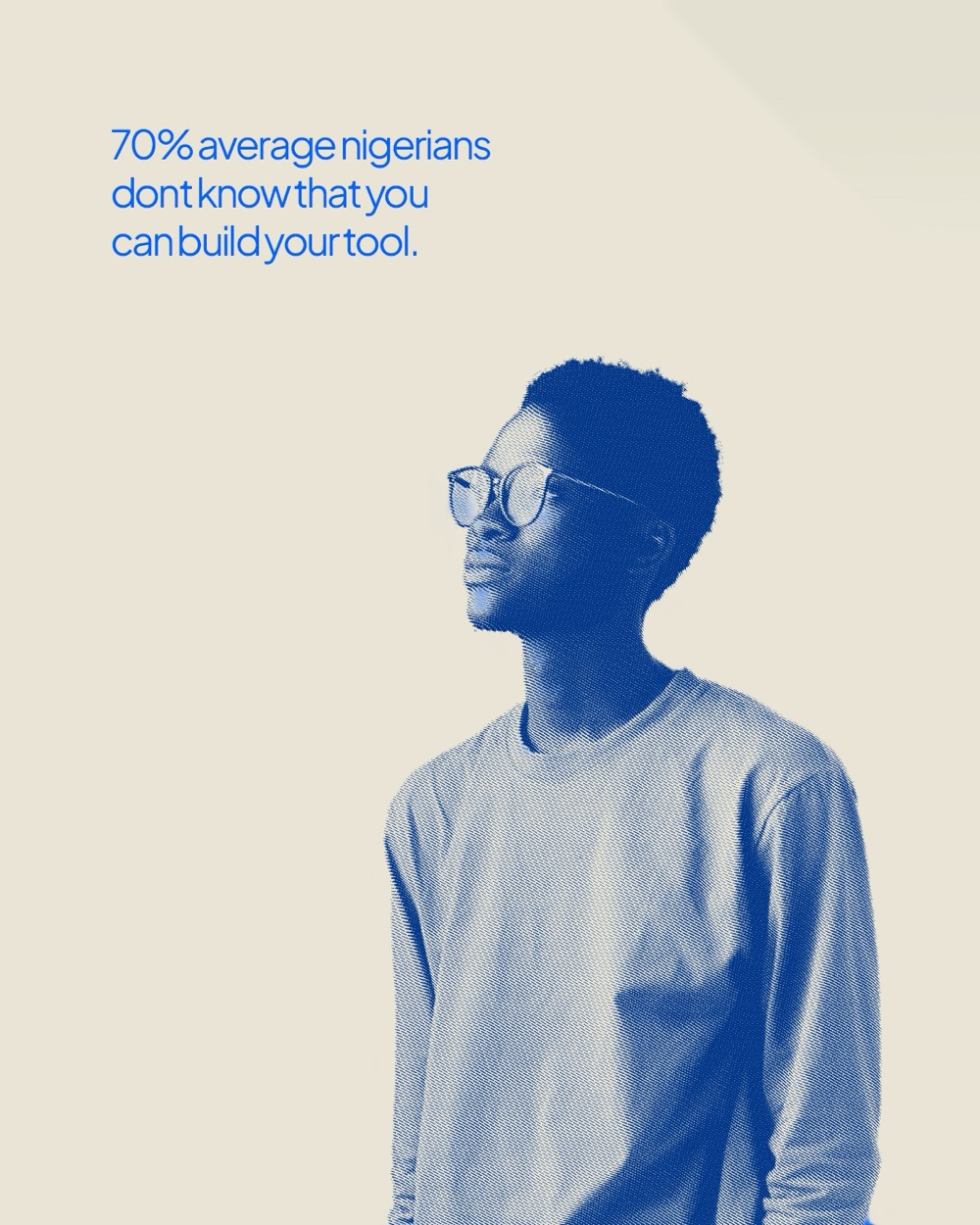
Straight out of the plugin. Cut the subject out, pick your colours, apply, then add your type.
No subscription. Buy once and use it on every project, for personal work and client work alike.
Yes. Your purchase includes both the Photoshop and the Illustrator plugin, and one licence key works in both. In Illustrator, Apply creates real, editable vector shapes placed right over your image, ready for print, signage, merch or cutting machines.
Photoshop 2023 (version 24.2) or newer, and/or Illustrator 2021 or newer, on Mac or Windows.
After checkout on Selar you download the files and go straight to a page that shows your licence key. For Photoshop, double-click the plugin file; for Illustrator, run the included installer. Then paste your key. It takes about a minute.
One licence works on 2 of your own computers in each app, for example a laptop and a desktop with both Photoshop and Illustrator. You can move it to a new computer any time from inside the plugin.
Yes. Everything you make with it is yours to use in personal and commercial projects. No credit is needed.
In Photoshop it works on RGB, 8-bit documents, which covers most photos (convert CMYK or 16-bit files in Image › Mode first), on a whole layer or just a selection. In Illustrator it works on linked or embedded images and on vector artwork.
Yes. All version 1 updates are free for licence holders.
Email hello@artemisstudiohq.com or message us on WhatsApp (+234 902 454 0688).
Photoshop + Illustrator · ₦5,000 · Instant download
Get Prince Halftone Studio